How Astra Scout works
See how the macOS app, local server, and device drivers fit together on your Mac.
Astra Scout has four parts, all on the Mac. The sections below also answer "does the app send data anywhere?" and "where is the log file?".
- The app is the window you use.
- The server is a background program the app starts. It keeps the device connection, runs flows and stores history.
- The runner taps and types on the device, following the steps of the flow.
- The AI CLI (Claude Code, Codex or Gemini CLI), when the AI features are in use. It only reads and never decides the test result.
The app
The app is a native macOS app. Until a workspace is open, the Welcome to Astra Scout window stands in for the main window. The main window holds:
- the navigators on the left: Files, Test Runs, Element Hierarchy and Find,
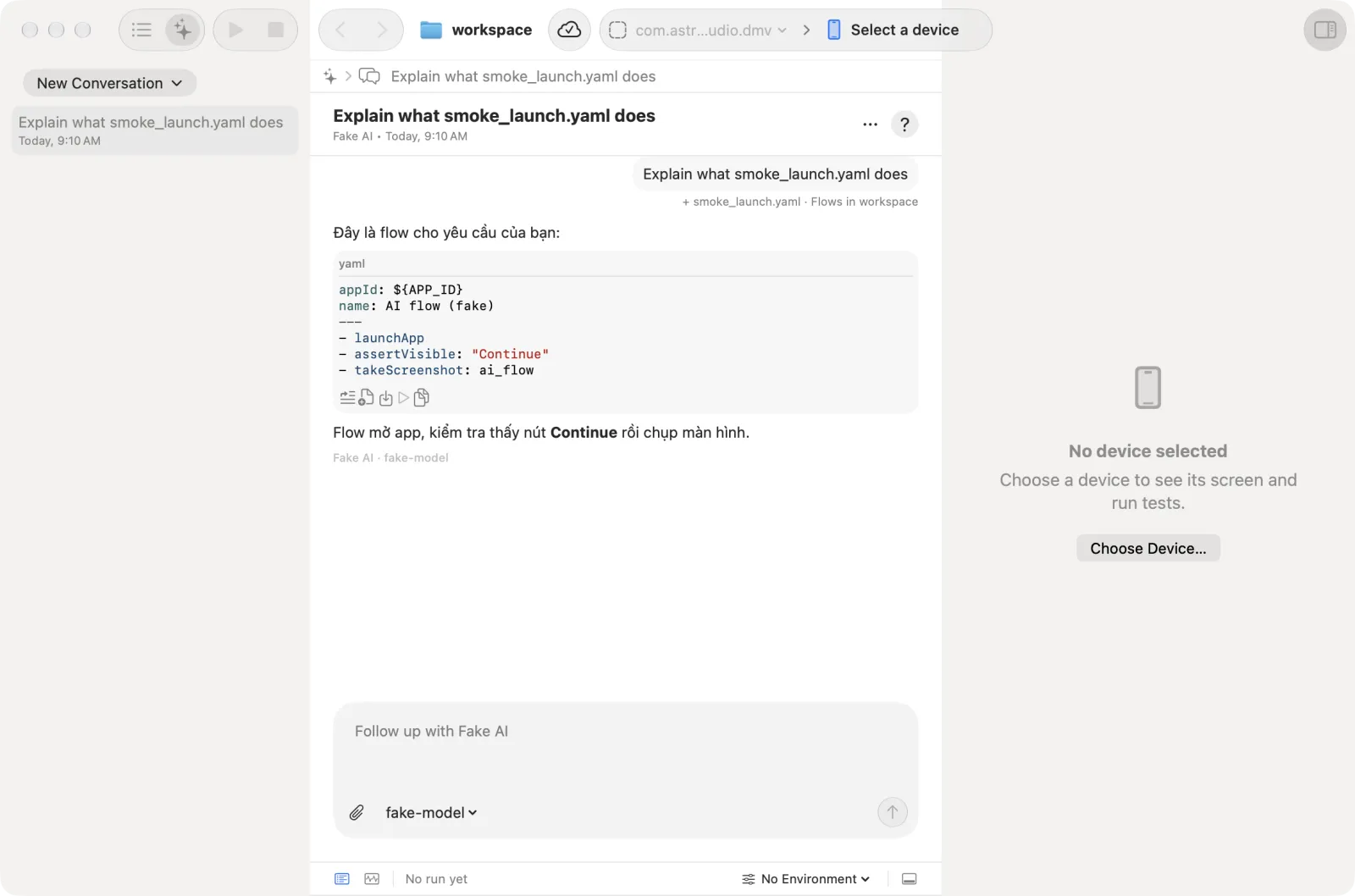
- the AI assistant, which is the second mode of the same left sidebar,
- the code editor in the middle, with the test runner below it,
- an inspector on the right with the device screen.
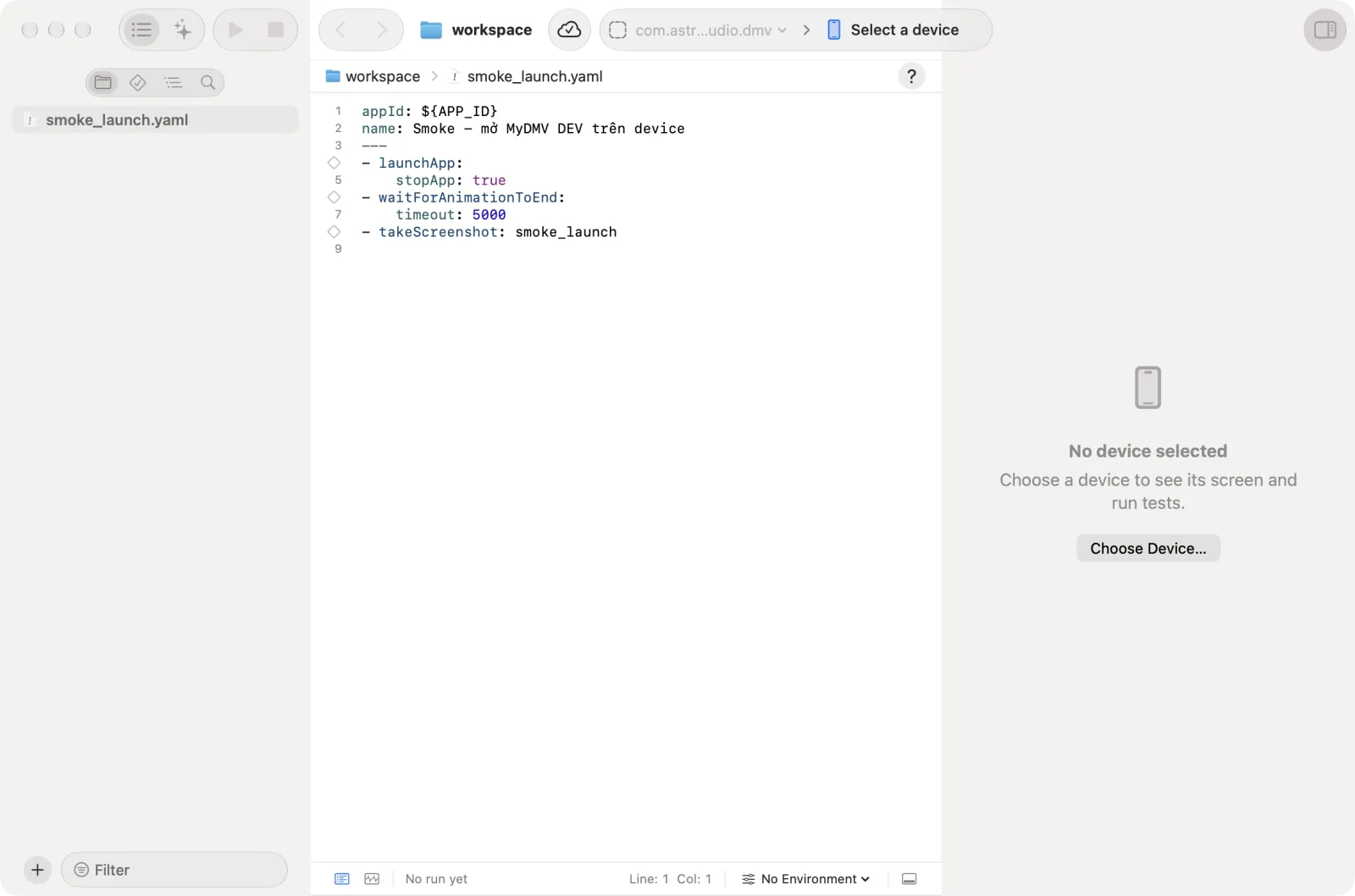
Settings, Explore app, Tracking, Project Settings and the Mirror pop-out are separate windows. Bug reporting (Device → Report Bug to Jira…) opens as a sheet over the main window. The app starts the bundled server itself.
The server
The server is Astra Scout's background program. It manages device connections, runs flows, stores run history, and lets an AI CLI control Astra Scout through MCP.
To see how the AI CLIs reach the server:
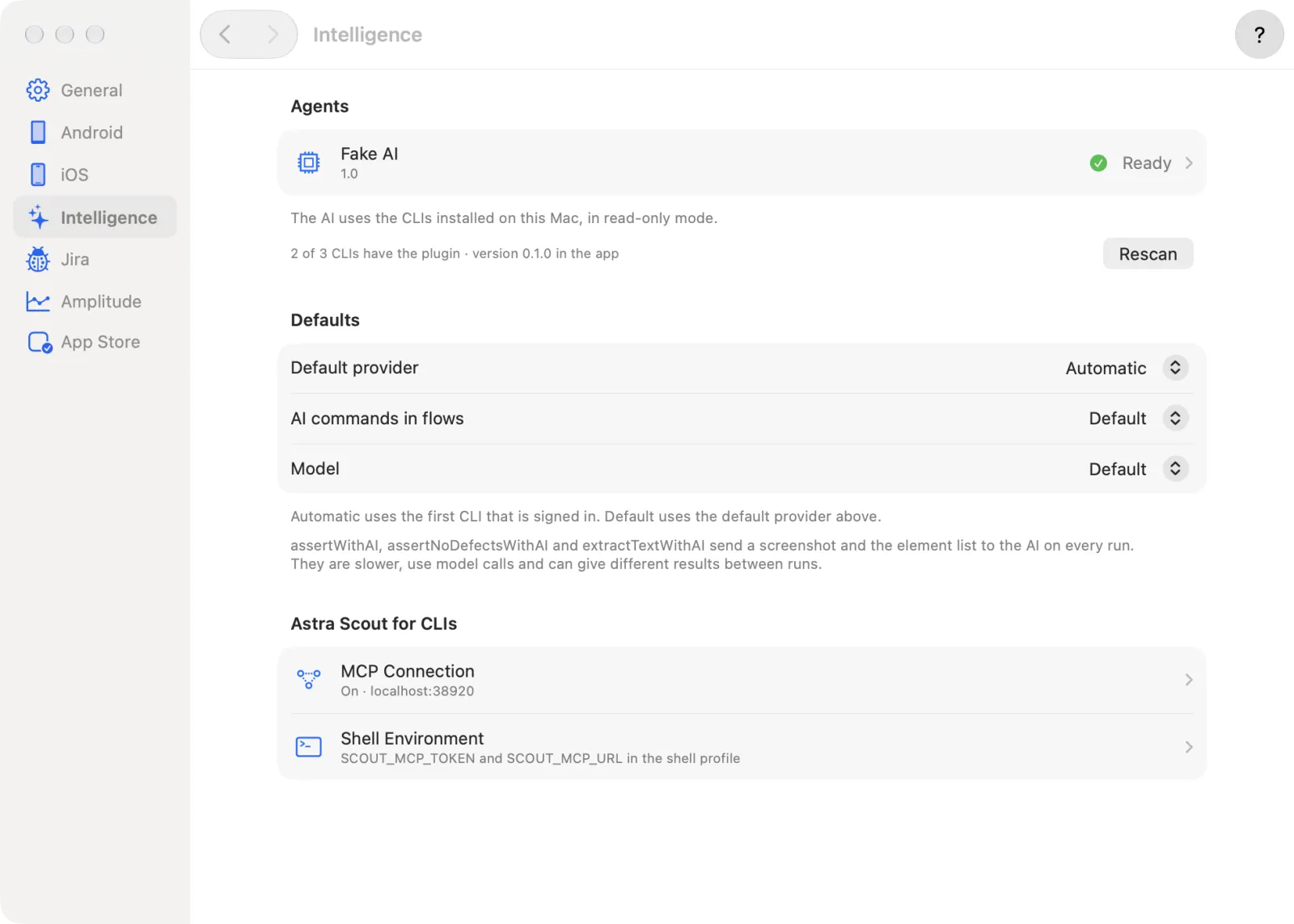
- Choose Astra Scout → Settings… and click Intelligence.
- Under Astra Scout for CLIs, open MCP Connection and Shell Environment. These two pages show the connection. See The scout plugin.
Two kinds of request wait for confirmation. A bug report for Jira and a request to clear a sandbox tester's purchase history each open a confirmation dialog in the app. Nothing is sent until the user allows it. If the dialog is closed, or 10 minutes pass, the request counts as declined.
The runner
The runner taps, types and swipes on the device. On iOS it uses WebDriverAgent (WDA), a small app that runs inside the iOS device or simulator and receives commands. On Android it uses the DeviceLab driver. The first time an iOS device connects, Astra Scout builds WDA. Later connections reuse the build.
Screen mirroring
Mirroring shows the device screen inside the Astra Scout window, where it can be watched and clicked. How the screen reaches the app depends on the device type:
| Device | How the screen reaches the app |
|---|---|
| iOS Simulator | The app redraws the simulator screen itself, inside its own process (through Xcode's SimulatorKit) |
| iOS device | Apple's video stream (CoreDevice), over a cable or Wi-Fi |
| Android | An H.264 video stream (based on scrcpy), with a continuous screenshot fallback |
Where your data lives
| What | Location |
|---|---|
| Server log (starts empty at each launch) | ~/Library/Logs/Astra Scout/server.log, or Help → Show Server Log |
| App data (database, MCP token, Team ID) | ~/Library/Application Support/Astra Scout/data |
| WDA builds | ~/Library/Application Support/Astra Scout/maestro-runner |
| Flow videos | <workspace>/artifacts/runs/ |
| Plugin copy used for AI CLIs | ~/.astra-scout/plugin |
Astra Scout has no cloud service of its own and no telemetry. Sign-in with Google tells the app that the user is allowed to use it. Beyond that, the only network calls leaving the machine are these:
- the AI CLI talking to its provider,
- Jira, when a bug report is confirmed,
- Amplitude, when an Amplitude project is set up for tracking,
- the App Store Connect API, when sandbox testers are in use,
- the update check of a release build (Settings → General → Automatically check for updates).
Verdicts are computed by the app
The AI never decides whether a run passed. Astra Scout computes the verdict from structured facts such as step results and driver errors. See Run flows.
Technical details
The component diagram:
astra-scout-serveris a Go server listening on port 5050. It exposes the local API (including endpoints for AI, Jira and tracking) and the MCP endpointhttp://localhost:5050/mcp.- If port 5050 is busy, the app starts the server on another port and writes the real URL to
~/.astra-scout/mcp.json. - Flows run through maestro-runner, a fork of the Maestro runner.
- On the iOS Simulator, input goes through
devicehid; the element tree is read throughxcuiax(iOS 27+ simulators).